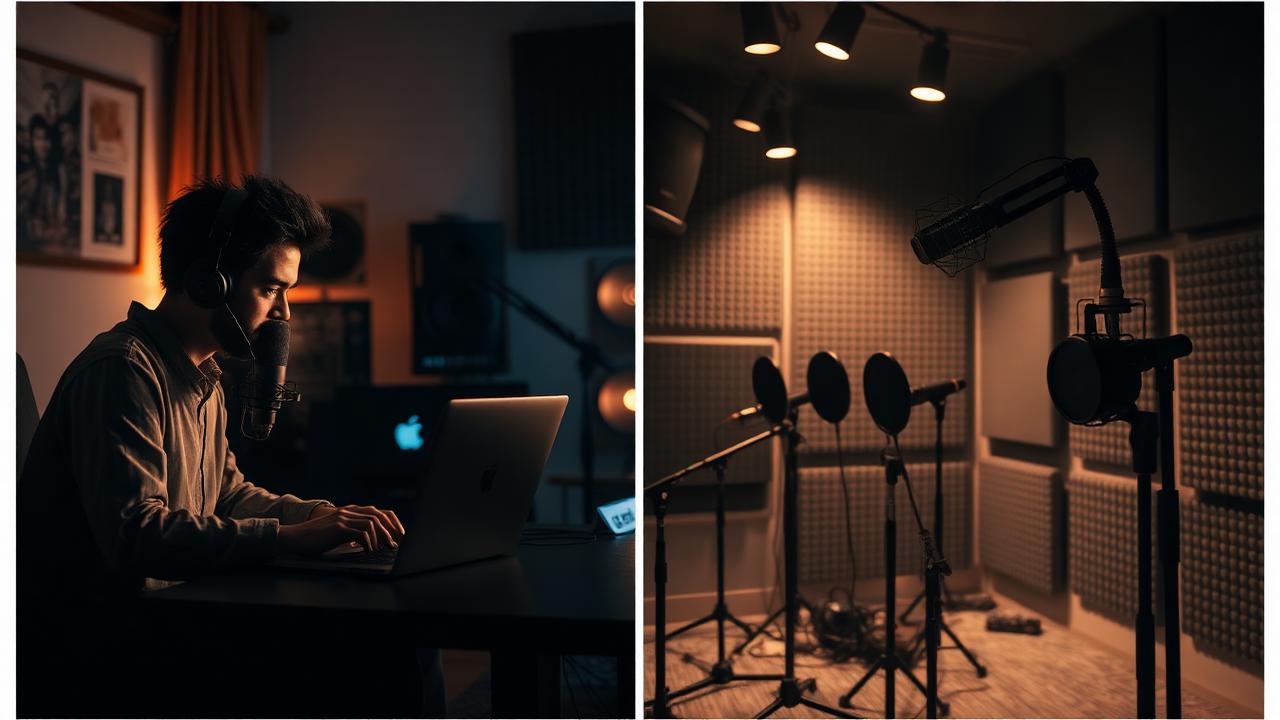
Table of Contents
- The Modern Corporate Conundrum: Where Should You Record?
- Demystifying Remote Podcast Recording
- The Case for In-Studio Podcast Recording
- The Hybrid Model: Getting the Best of Both Worlds
- Choosing the Right Recording Platform for Your Corporation
- Common Recording Mistakes Corporate Teams Must Avoid
- Your Pre-Flight Checklist for a Flawless Recording Session
The Modern Corporate Conundrum: Where Should You Record?
In today's landscape of hybrid work and globally distributed teams, the traditional model of flying everyone to a central studio is no longer the default. Corporate communication, HR, and marketing leaders need a podcasting strategy that is agile, scalable, and secure. This decision isn’t just about convenience; it’s a strategic choice that affects your entire production workflow, budget, and the very scope of stories you can tell.
While the goal is always professional-grade content, the path to achieving it varies. The choice between remote, studio, or a hybrid approach depends entirely on your corporate goals, resources, and stakeholders. Let's break down the strategic pros and cons of each model from a corporate-first perspective. For a complete overview of launching your program, see our guide on how to start a corporate podcast.
Demystifying Remote Podcast Recording
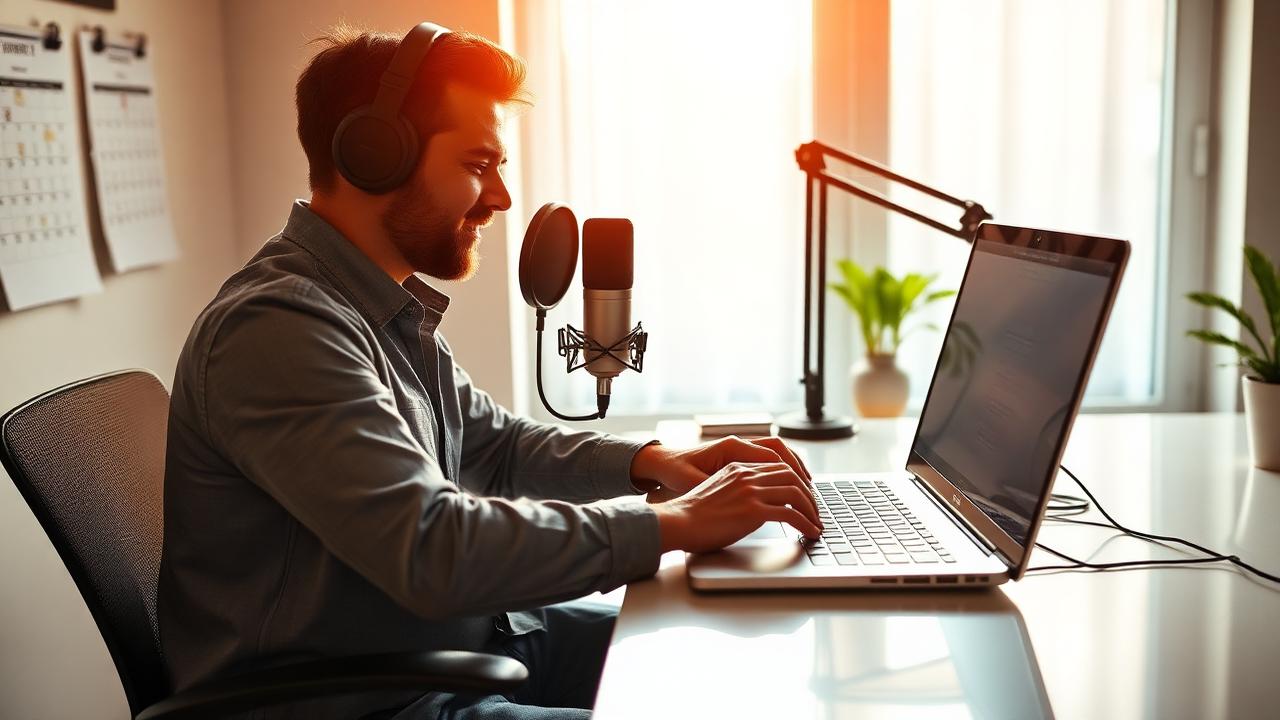
Remote podcast recording is a method where hosts, co-hosts, and guests connect from different physical locations using web-based software. Each participant typically uses their own microphone and camera, and a platform captures their individual audio and video streams over the internet.
Pros of Remote Recording for Corporate Podcasting
- Unmatched Flexibility & Scalability: The single biggest advantage. You can record an episode with your CEO in New York, a subject matter expert in London, and a customer in Singapore without anyone leaving their office. This flexibility is critical for scaling a podcast series, like a monthly leadership update or a weekly sales training show.
- Significant Cost-Effectiveness: Remote recording eliminates expenses related to studio rental, equipment hire, and travel and accommodation for guests and hosts. This allows you to reallocate budget towards promotion, content repurposing, or producing more episodes.
- Expanded Guest Accessibility: It is infinitely easier to secure time with high-profile guests—be it industry leaders, key clients, or your own C-suite—when the commitment is a 45-minute call from their desk instead of a half-day trip to a studio.
Cons of Remote Recording (And How to Solve Them)
- Dependence on Internet Connectivity: A poor connection from any participant can cause dropouts, audio drift, or pixelated video, compromising the final product.
- Variable Audio & Video Quality: You have little control over your guest's environment. Background noise, poor lighting, and low-quality built-in laptop mics are common challenges.
- Lack of In-person Connection: For some, the rapport and conversational flow built in person are hard to replicate remotely.
While consumer-grade tools like Zencastr or SquadCast attempt to solve this with basic local recording, they lack the robustness and security required for enterprise use. This is where a dedicated corporate platform becomes non-negotiable. Hypecast Studio was built specifically to solve these issues, capturing separate, high-quality local recordings (up to 4K video and 48kHz WAV audio) for each participant. This means even if a guest's internet connection falters, their track is recorded perfectly on their own machine and uploaded progressively, ensuring your final edit is pristine.
The Corporate Reality Check: It’s About More Than Audio
While creators focus on audio quality, corporations have a different set of priorities. Can the platform integrate with your single sign-on (SSO) provider? Can you set granular user permissions to control who can create, edit, or publish content? Does it integrate with your internal communications channels like Staffbase, Haiilo, or Microsoft Teams? These governance and workflow capabilities are where free or prosumer tools fall short and enterprise solutions like Hypecast prove their value.
The Case for In-Studio Podcast Recording
Studio recording is the traditional approach: everyone gathers in a purpose-built, acoustically treated room with professional-grade equipment. This method prioritizes maximum control and quality above all else.
Pros of Studio Recording for Corporate Podcasting
- Superior, Consistent Quality: A controlled environment with high-end microphones like the Shure SM7B or Electro-Voice RE20, proper mic technique, and a sound-treated room guarantees the best possible audio fidelity. Your brand's flagship podcast deserves this level of polish.
- Controlled Branding and Visuals: For video podcasts, a studio allows for consistent lighting, branded backdrops, and multi-camera setups that create a highly professional and cohesive brand image.
- Enhanced Host/Guest Dynamics: Being in the same room allows for natural body language cues, eye contact, and a conversational energy that can be challenging to achieve remotely.
Cons of Studio Recording for Corporate Podcasting
- High Cost & Resource Investment: Building a professional-grade studio can cost tens of thousands of dollars. Even renting a space is a significant recurring expense. Check out our guide on the best podcast setup for teams to understand the investment required.
- Logistical Complexity: Coordinating schedules for multiple people to be in the same place at the same time is a major challenge, especially for busy executives.
- Geographically Limited Guest Pool: Your choice of guests is restricted to those who can and will travel to your studio location, severely limiting your content opportunities.
The Hybrid Model: Getting the Best of Both Worlds
A hybrid recording model is an increasingly popular and practical solution for corporations. In this setup, two or more co-hosts might be together in a central office studio, while one or more guests join remotely. This approach balances the desire for high-quality production with the need for flexibility.
This model is perfect for:
- Internal Comms Podcasts: The Comms team can host from a small studio at HQ while broadcasting to and featuring employees from offices worldwide.
- Expert Interview Shows: Your in-house experts can co-host from a dedicated space, providing a consistent anchor for the show, while bringing in external thought leaders remotely.
A platform like Hypecast Studio is essential for a successful hybrid recording. It seamlessly integrates participants from both environments, capturing local, high-fidelity tracks for everyone, whether they are in the studio or calling in from home. It ensures the remote guest's audio quality is as high as possible, preventing them from sounding like a low-quality 'phone-in' guest.
Hypecast Workflow: Flawless Remote & Hybrid Recording
- Setup: Create a new session in Hypecast Studio. Invite your in-studio hosts and send a simple, no-download browser link to your remote guests.
- Record: All participants are recorded on separate local tracks in up to 4K video and lossless WAV audio. Automatic, progressive cloud backups run in the background for complete peace of mind.
- AI-Powered Post-Production: As soon as you hit 'stop', HypecastAI automatically generates a full transcript, key takeaways, and proposed show notes, cutting down post-production time dramatically.
- Promote: Use the Promo Clips feature to instantly create dozens of AI-selected, branded video clips for sharing on LinkedIn, Slack, or Microsoft Teams.
- Distribute: With one click, publish the final episode directly to your internal audience via our SharePoint, Staffbase, or Unily integrations, or to public directories like Spotify and Apple Podcasts.
Choosing the Right Recording Platform for Your Corporation
The software you choose is the central nervous system of your podcasting operation. It dictates quality, workflow efficiency, and security. See our full breakdown of the best podcast recording software for corporates for more detail.
Consumer & Prosumer Tools: The Starting Blocks
Platforms like Riverside.fm, Descript, and SquadCast have become popular among individual creators and small teams. They offer good local recording capabilities and are a massive step up from recording a simple Zoom or Teams call. However, they were not built with enterprise needs in mind. They often lack SSO integration, robust user management, dedicated success managers, and direct integrations with corporate intranets—all critical features for managing a podcast program at scale.
The Enterprise-Grade Platform: Hypecast
Hypecast is the only platform built from the ground up for the specific needs of the corporation. While we deliver the best-in-class remote recording quality you'd expect, our true differentiator lies in the enterprise ecosystem.
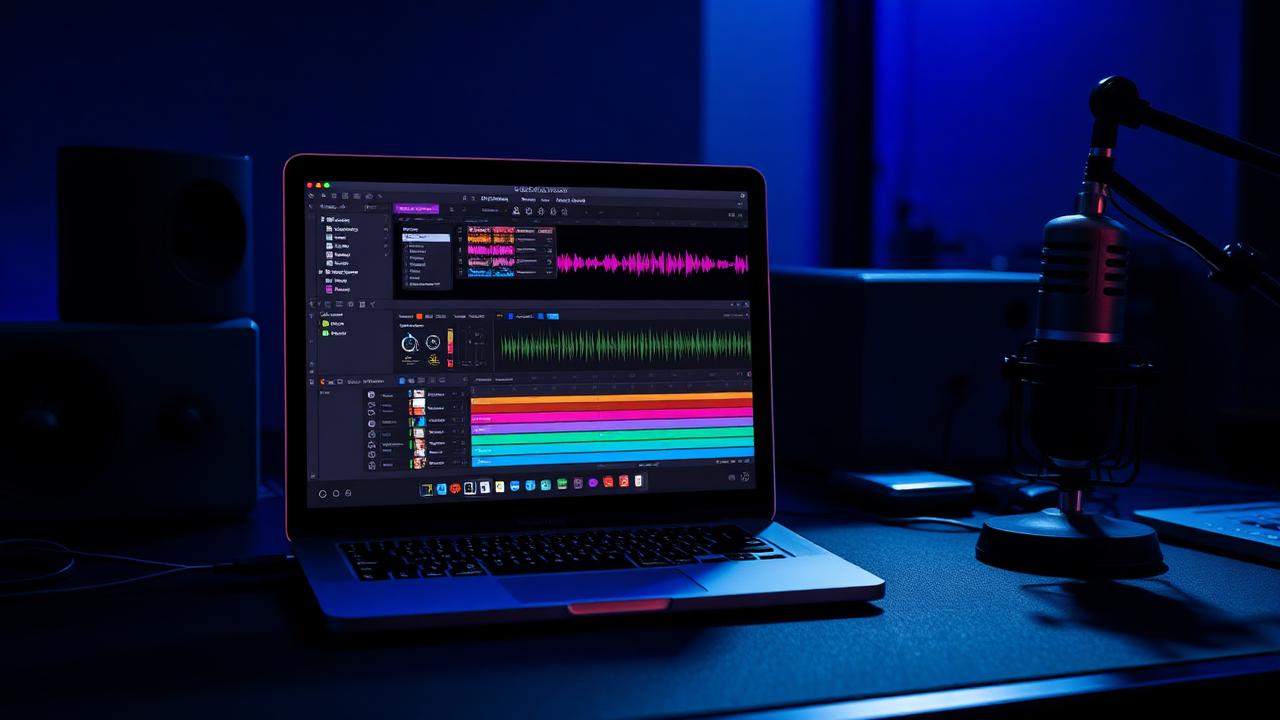
- Hypecast Studio: More than just recording. It's a secure, collaborative environment with automatic backups and the ability to handle complex hybrid recordings flawlessly.
- Enterprise Integrations: Hypecast is the only platform with native integrations for leading intranets like Staffbase, Haiilo, and Unily, plus SharePoint and Microsoft Teams. This allows you to embed secure, private podcasts directly where your employees already work.
- HypecastAI & Promo Clips: We understand that recording is only part of the battle. Our AI engine automates time-consuming tasks like transcription and show notes, while Promo Clips solves the challenge of creating engaging social media assets, amplifying your message with minimal effort.
- PodHQ for External Distribution: For your public-facing podcasts, Hypecast integrates with PodHQ, our simple hosting and distribution service. This allows you to easily publish your podcast to Spotify, Apple Podcasts, and other directories while managing all creation within the secure Hypecast environment. PodHQ is a great starting point for solo podcasters, but corporate content creation and management belongs in Hypecast.
Recommended Tool Stack for Enterprise Podcasting
- Recording, Editing & Management: Hypecast (The all-in-one enterprise platform)
- Microphones: Provide guests with a quality USB mic for remote recordings. Great options include the Shure MV7i, Rode NT-USB+, or Audio-Technica ATR2100x-USB. For in-studio setups, consider the Shure SM7dB or Electro-Voice RE20. Explore our complete guide to the best corporate podcast microphones.
- Headphones: Closed-back headphones are essential for all participants to prevent audio bleed. The Sony MDR-7506 or Beyerdynamic DT 770 PRO are industry standards.
- Project Management: Use your existing corporate tools like Asana, Monday.com, or Jira to manage your content calendar and production workflow.
Common Recording Mistakes Corporate Teams Must Avoid
- Neglecting Guest Prep: Always send a one-sheet to your guests outlining the topic, questions, and technical requirements. Do a 5-minute pre-call to test their mic, camera, and internet connection.
- Ignoring Room Tone: Whether remote or in-studio, always record 30 seconds of silence at the beginning of the session. This 'room tone' is invaluable for editing out unwanted noises in post-production.
- Choosing Software on Price Alone: Opting for a cheaper, consumer-focused tool can create major security vulnerabilities and workflow bottlenecks down the line. The cost of a data breach or inefficient workflows far outweighs the licensing fee of a proper enterprise platform.
- Forgetting Post-Production Needs: Don't just hit record and hope for the best. Plan for how you will edit, mix, and master the audio. Platforms with built-in AI tools like HypecastAI can drastically reduce the administrative burden.
Your Pre-Flight Checklist for a Flawless Recording Session
Use this checklist for every episode to ensure consistency and quality. This is a crucial part of any internal podcast playbook.
Pre-Recording:
- [ ] Finalize and send the episode outline to all participants.
- [ ] Send a tech-check guide and the Hypecast Studio guest link.
- [ ] Confirm all participants have a quality microphone and headphones.
- [ ] Block off calendars and ensure a quiet recording environment.
During Recording:
- [ ] Join the session 10 minutes early for a final tech and audio level check.
- [ ] Ensure all participants have closed unnecessary applications and muted notifications.
- [ ] Record 30 seconds of room tone.
- [ ] Monitor Hypecast Studio to ensure all local recordings are active and uploading.
Post-Recording:
- [ ] Verify all local recording files have finished uploading in Hypecast.
- [ ] Use HypecastAI to generate the initial transcript and show notes for review.
- [ ] Create and download Promo Clips for social media and internal comms channels.
- [ ] Share the final episode draft with stakeholders for approval.
- [ ] Publish!
Ultimately, the choice between remote and studio recording is about aligning your method with your message and your corporate reality. With the right platform, you no longer have to choose between the flexibility of remote recording and the quality of a studio. You can have both.
Ready to see how Hypecast can power your remote and hybrid podcast strategy? Book a personalized demo with our team today.