1. Define Your Podcast Concept
Every successful podcast starts with a clear concept. Before you touch any equipment, answer these fundamental questions:
- What's the topic? Choose a niche you're genuinely passionate about and that serves your audience's needs.
- Who's the audience? Be specific — "marketing professionals at mid-size B2B companies" is better than "business people."
- What's the format? Solo commentary, interview-based, panel discussion, or narrative storytelling?
- What's the cadence? Weekly is the sweet spot for most podcasts, but biweekly works if production quality is high.
Spend time researching existing podcasts in your space. What gaps can you fill? What unique perspective do you bring? Your concept should be specific enough to attract a loyal audience but broad enough to sustain hundreds of episodes.
2. Plan Your First Episodes
Don't launch with just one episode. Plan your first 5–10 episodes in advance to build momentum and ensure consistency. For each episode, outline:
- A working title and key talking points
- Any guests you want to invite
- Research or data you need to gather
- A rough script or conversation guide
This pre-planning phase is where many podcasters skip ahead — and regret it later. A content calendar keeps you accountable and prevents the dreaded "what should we talk about this week?" panic.
3. Set Up Your Recording Equipment
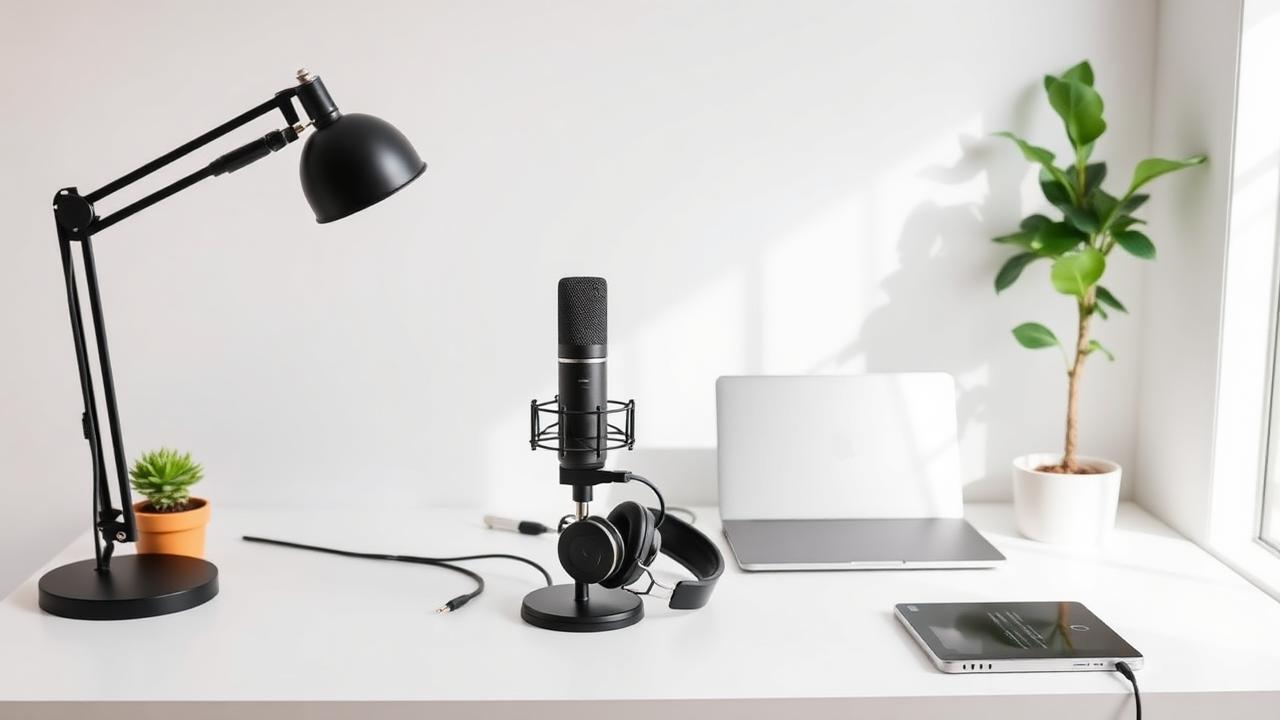
You don't need a professional studio to sound professional. Here's a practical starter setup:
- Microphone: A USB condenser mic like the Shure MV7 or Audio-Technica AT2020USB+ delivers excellent quality without an audio interface.
- Headphones: Closed-back headphones (e.g., Sony MDR-7506) help you monitor audio in real time.
- Pop filter: Reduces plosive sounds (the harsh "p" and "b" sounds).
- Quiet space: A carpeted room with soft furnishings naturally reduces echo. No acoustic panels needed initially.
For remote interviews, a cloud-based recording platform ensures each participant's audio is captured locally at full quality — far superior to recording a Zoom call.
4. Record Your Episodes
Recording day is where preparation meets execution. Follow these best practices:
- Test your setup: Do a 30-second test recording before every session to catch issues early.
- Minimize background noise: Close windows, silence notifications, and put your phone on airplane mode.
- Speak naturally: Listeners connect with authentic conversation, not scripted monologues.
- Record separate tracks: If you have a guest, recording each person on a separate audio track gives you maximum flexibility in editing.
With Hypecast Studio, you can record high-quality audio and video sessions with up to 10 participants — each on their own track — directly from your browser. No software installation required.
5. Edit and Produce Your Audio
Editing transforms a raw recording into a polished listening experience. Focus on these essentials:
- Remove dead air and filler words: Tighten the conversation without making it sound unnatural.
- Normalize audio levels: Ensure consistent volume throughout the episode and between speakers.
- Add your intro and outro: A branded intro (15–30 seconds) sets the tone and builds recognition.
- Include music and transitions: Royalty-free music beds add production value. Check out the Hypecast Audio Library for free tracks.
For corporate podcasts, consider adding chapter markers and timestamps so busy listeners can jump to the sections most relevant to them.
6. Create Eye-Catching Artwork and Branding
Your podcast cover art is the first thing potential listeners see. It needs to work at thumbnail size (55×55 pixels on most apps) while still being readable. Best practices:
- Use bold, high-contrast colors
- Keep text to a minimum (podcast name only)
- Avoid complex imagery that gets lost at small sizes
- Design at 3000×3000 pixels for maximum quality
Consistency in branding extends beyond cover art — your episode titles, show notes, and social media presence should all reflect a cohesive visual identity.
7. Publish and Distribute
Once your first episodes are edited and your artwork is ready, it's time to go live. You'll need a podcast hosting platform that generates an RSS feed — the technical backbone that distributes your show to directories like:
- Spotify
- Apple Podcasts
- Google Podcasts
- Amazon Music
- YouTube Music
Submit your RSS feed to each platform (a one-time process), and new episodes will automatically appear everywhere. For enterprise teams, Hypecast's integrations let you distribute episodes directly to internal platforms like Microsoft Teams, SharePoint, or your company intranet.
8. Promote and Grow Your Audience
Publishing is just the beginning. To grow your podcast, you need a promotion strategy:
- Create audiograms and video clips: Short, captioned clips perform exceptionally well on LinkedIn and Instagram. Tools like Hypecast Promo Clips can auto-generate these from your episodes.
- Leverage your guests' networks: Make it easy for guests to share by providing them with pre-made social assets.
- Repurpose content: Turn episodes into blog posts, newsletters, or social media threads.
- Engage your audience: Ask for reviews, respond to comments, and create a community around your show.
- Be consistent: Regular publishing builds listener habits and signals reliability to podcast algorithms.
9. Measure and Iterate
Track your podcast's performance to understand what resonates with your audience:
- Downloads per episode: Your baseline growth metric.
- Listener retention: How far into each episode do people listen?
- Audience demographics: Where are your listeners located? What apps do they use?
- Episode-level performance: Which topics and guests drive the most engagement?
Use these insights to refine your content strategy. Double down on what works and experiment with new formats to keep your show fresh.
Common Mistakes to Avoid
- Perfectionism: Your first episodes won't be perfect — and that's okay. Ship, learn, improve.
- Inconsistent publishing: Nothing kills a podcast faster than irregular episodes.
- Ignoring audio quality: Listeners will forgive imperfect content but not painful audio.
- No promotion strategy: "If you build it, they will come" doesn't apply to podcasting.
- Skipping show notes: Detailed show notes improve SEO, accessibility, and listener experience.